
-
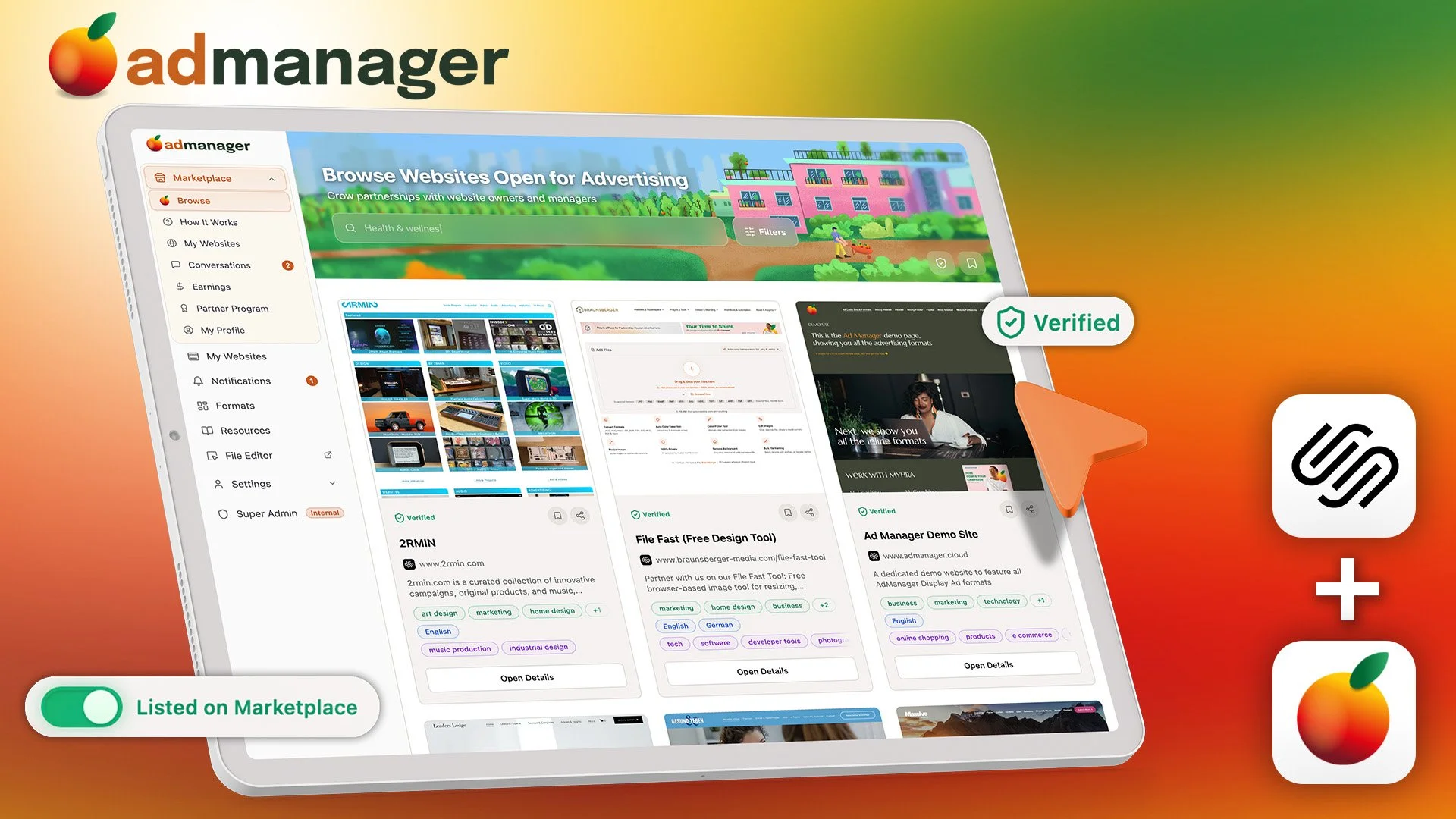
Ad Manager for Squarespace
Manage your own campaigns or connect with advertisers and publishers through a trusted marketplace — with escrow payments, campaign tools, and full control. Built exclusively for Squarespace.
Monetize, create, schedule, track and place campaigns across your entire website with a few clicks. Full control and analytics in one dashboard
Developed by: Braunsberger
Setup: Complete Campaign System
Licensing: Free (5 Websites) & Pro Plan -

Squarespace Content Timer
Imagine your Squarespace website automatically updating content based on time, date, and schedule—without you lifting a finger. The Squarespace Content Timer is a powerful code generator that brings advanced content scheduling and visibility control to your Squarespace website.
Developed by: Braunsberger
Setup: Self-Service or Installation Service upon request
Licensing: Free

About The File Fast Tool by Braunsberger
The ultimate browser-based image processing toolkit that combines file conversion, advanced editing, and professional color extraction – all running 100% privately in your browser with zero server uploads.
Core Capabilities:
Multi-Format File Processing
Convert between JPEG, PNG, PDF, BMP, ICO, AVIF, GIF SVG, HEIC and WebP formats with customizable quality settings
Batch process multiple files simultaneously with individual progress tracking
Smart format detection and optimized conversion workflows
Custom naming prefixes for organized output files
Advanced Image Editing Suite
Crop Tool: Precise image cropping with multiple aspect ratio presets (Original, 1:1, 2:3, 3:2, 3:4, 4:3, 4:5, 5:4, 9:16, 16:9, and custom ratios)
Resize Tool: Scale images to exact pixel dimensions with automatic aspect ratio maintenance
Reduce File Size: Intelligent compression with quality slider (Light to Maximum compression)
Real-time preview for all editing operations
Visual crop boundary indicators with draggable positioning
A new feature for GIF animations allows you to select a frame out of your GIF animation and process it further.
Professional Color Analysis
Extract top 5 dominant colors from any image automatically
Interactive color picker with pixel-perfect selection
Multiple color format outputs (HEX, RGB, HSL)
Session-based color history tracking (up to 20 colors)
One-click copy for all color values
User Experience Features
Drag-and-drop or click-to-upload interface
Mix different file formats in single batch
Individual or bulk download options
Restore original function to undo changes
Responsive design for all devices
Clean, modern interface with intuitive navigation
Key Differentiators:
100% Private: All processing happens locally in your browser – no files ever leave your device
No Installation: Works instantly in any modern browser
Professional Quality: Maintains image quality with advanced compression algorithms
All-in-One Solution: Combines conversion, editing, and color tools in one interface
Completely Free: No watermarks, no limits, no subscriptions
Perfect For:
Web designers needing quick image optimization and color palettes
Photographers, interior designers, webshop operators
Developers requiring batch image processing and format standardization
Content creators managing cross-platform image compatibility
Anyone needing private, professional-grade image processing without cloud uploads
This tool represents a comprehensive solution for modern image processing needs, combining the convenience of online tools with the privacy and power of desktop software.